
Is Upscaling 1080p to 4K Worth It? When It Helps and When It Doesn't
Turning a 1080p video into 4K is easy. Whether it's worth the time and the much bigger file depends almost entirely on where the video is going next. For some destinations it's one of the cheapest quality wins there is. For others it changes nothing you can see.
Upscale your video now
Free in your browser, or on a cloud GPU with Pro.
- No sign-up
- No watermark
- Up to 4K

What you actually gain 📐
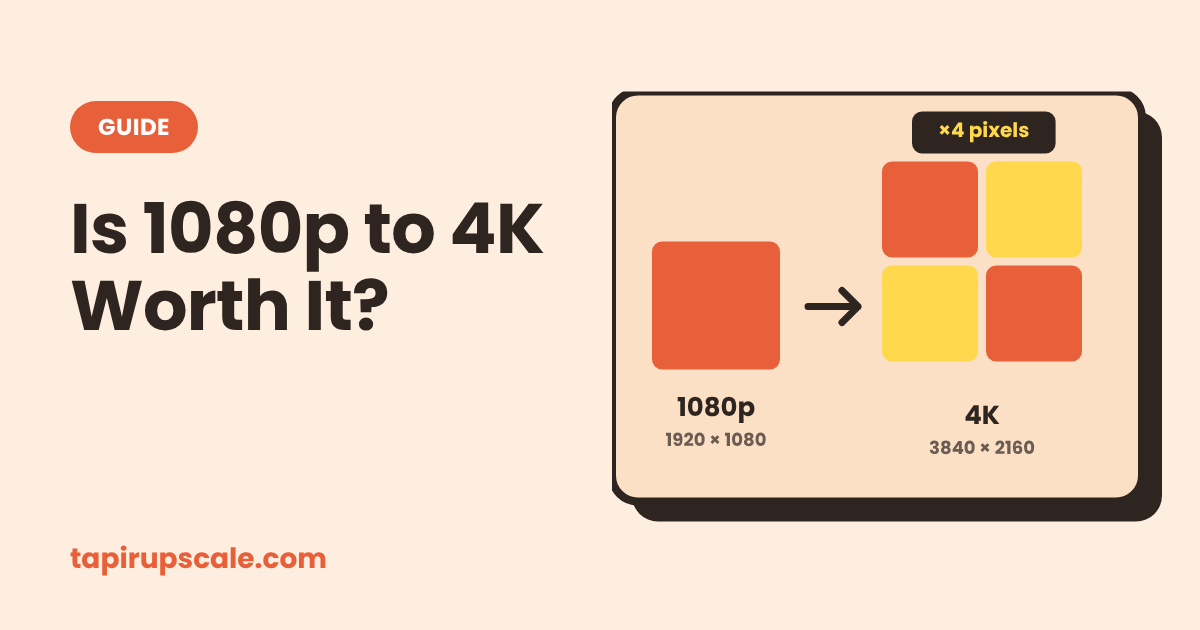
1080p is 1920 × 1080, about 2 million pixels per frame. 4K UHD is 3840 × 2160, about 8.3 million. Three out of every four pixels in the 4K version have to be made up.
A plain resize fills them by averaging neighbours, so the picture gets bigger but not sharper. An AI upscaler recognises edges, lines and textures and redraws them crisply at the new size. Text, hair and outlines come out clearly cleaner.
What neither can do is recover detail the camera never recorded. A face that's a handful of pixels wide stays a guess. Upscaled 4K looks better than stretched 1080p. It doesn't look like footage shot in 4K.
Where it's worth it ✅
YouTube
This is the biggest reason. YouTube gives 4K uploads a much higher bitrate than 1080p uploads, and that better encode also feeds the 1440p and 4K streams most desktop viewers get. In one ProVideo Coalition test, the 4K VP9 stream came out around 8 Mbps against about 1 Mbps for the 1080p upload. In practice that means less smearing in dark scenes, fewer blocks in fast motion and finer grain that survives.
Two catches: the 4K version can take hours to appear after upload, and an upscale with heavy sharpening can look worse than a clean 1080p.
A 4K edit
If your timeline is 4K and one clip is 1080p, the editor stretches it with a basic resize. Upscaling that clip with AI before you import it makes it sit much closer to the rest of the footage. It also gives you real room to crop or punch in.
AI-generated clips
Many generators export 720p or 1080p, and re-rendering at a higher tier costs credits. An upscale is often the cheaper path. Improve AI video quality covers what else you can and can't fix in those clips.
Deliverables that require 4K
Some clients, stock sites and festivals only accept 4K files. Upscaling is how a 1080p shot gets through the door.
Where it isn't ❌
Your own 4K TV. The TV already upscales 1080p to 4K in real time, and modern sets do it well. An AI upscale may look slightly crisper up close, but from the sofa the difference is small, and the file is several times bigger.
Instagram, TikTok and messaging apps. They recompress and resize everything, usually to 1080p or less. A 4K upload doesn't arrive as 4K.
Footage that's blurry for other reasons. Out-of-focus shots, motion blur and heavy compression get bigger, not better. How to unblur a video explains which kinds of blur can be helped.
A 10-second test before you commit 🧪
If you're unsure, especially for YouTube, test it instead of guessing:
- Cut a 10-second piece with fine detail and some motion: hair, foliage, water, text.
- Upscale that 1080p clip to 4K and keep the original too.
- Upload both to YouTube as unlisted videos and wait until the 4K one shows the 2160p option.
- Watch both at the same quality setting, full screen, on the screen your viewers use most.
If you can't tell them apart, skip the upscale and save the time. If the 4K upload looks cleaner, do the whole video.
How long it takes, and the faster option ⏱️
4K output means four times the pixels per frame, so 1080p is the heaviest common upscale. In the browser it runs on your own graphics card: a short clip on a recent laptop is fine, but several minutes of 1080p can keep your machine busy for a long time, and the tab has to stay open.
For longer videos, TapirUpscale Pro runs the same job on a cloud GPU with our highest quality setting. You see the price before paying, you can close the tab once the upload finishes, and if a job fails the full price goes back to your credit. Credit starts at $5 and never expires.
Quick answers
Is upscaled 4K as good as real 4K? No. Real 4K records fine detail that 1080p never captured. AI upscaling gives cleaner edges than a plain resize, but it can't invent the missing detail.
Does uploading 1080p as 4K improve quality on YouTube? Often, yes, because YouTube encodes 4K uploads at a higher bitrate. Run the 10-second test above to see whether it's visible on your footage.
Should I upscale for my 4K TV? Usually not. Your TV already upscales in real time, and the visible gain is small.
Why is the 4K file so much bigger? It has four times as many pixels per frame, and keeping the new detail takes more data.
Can I go straight from 720p to 4K? It's a 3x jump, so the upscaler has to guess much more and results are softer. Going to 1440p is usually the cleaner step for 720p footage.
Got a video to sharpen?
Free in your browser, or on a cloud GPU with Pro.
- No sign-up
- No watermark
- Up to 4K