
Best Topaz Video AI Alternatives (Free and Mac, 2026)
People look for a Topaz Video AI alternative for four reasons: the subscription costs more than they need, their computer's GPU is too weak, they're on a Mac or Linux, or they only have a few videos to fix. No single tool replaces everything Topaz does, but for plain upscaling there are good free and cheaper options.
The quickest one to test is on this page. Add a video below, compare a preview frame with the original, and download an MP4. It's free, with no sign-up and no watermark. We make this tool, so weigh our take on it accordingly.
Try a free Topaz alternative on your own clip
Free in your browser, or on a cloud GPU with Pro.
- No sign-up
- No watermark
- Up to 4K

The alternatives at a glance 📊
| Tool | Price | Runs on | Best for | Missing vs Topaz |
|---|---|---|---|---|
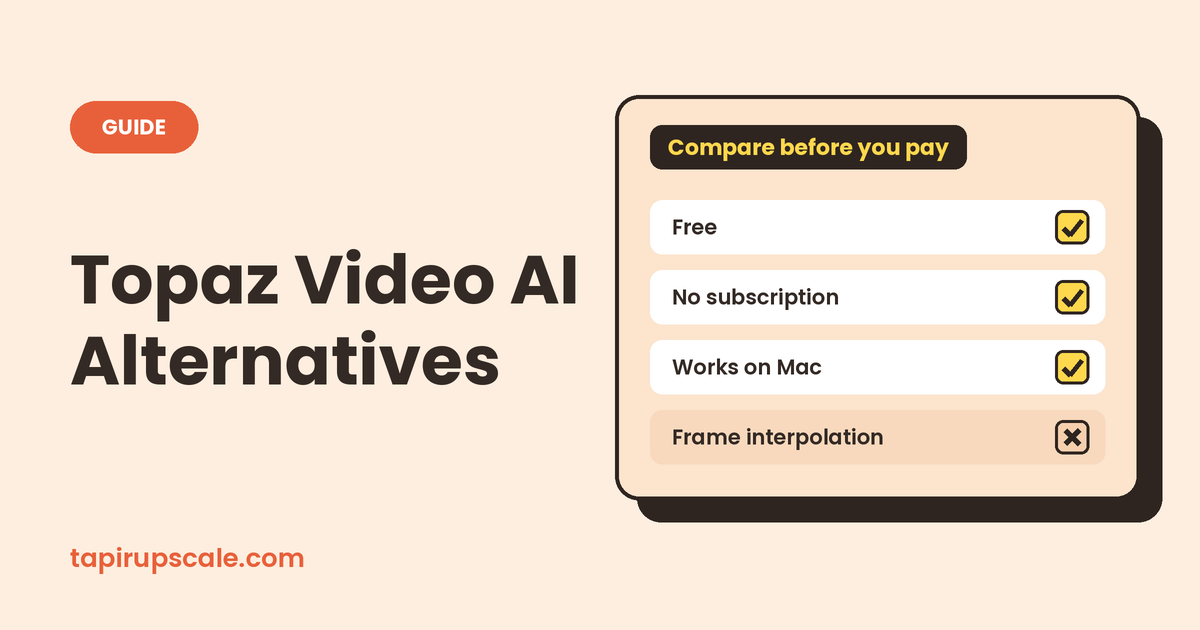
| TapirUpscale (this site) | Free in the browser, or Pro paid per video from $5 credit | Any modern desktop browser; Pro on a cloud GPU | Occasional upscales, Macs, no install | Frame interpolation, deinterlacing, output above 4K |
| Video2X | Free, open source | Windows, Linux | Anime and long videos on a strong PC | Easy setup, native Mac app |
| DaVinci Resolve Studio | About $295, one-time | Windows, Mac, Linux | Editors who already cut in Resolve | Topaz's range of restoration models |
| HitPaw VikPea | Subscription or lifetime licence | Windows, Mac | One-click presets | Free export (the free version only previews) |
| AVCLabs Video Enhancer AI | Subscription or lifetime licence | Windows, Mac | Old home videos, faces | A free plan |
| CapCut | Free, some levels need Pro | Desktop, mobile | Social clips you edit in CapCut anyway | Consistent results on long videos |
| Real-ESRGAN | Free, open source | Windows, Mac, Linux | Technical users who script things | A video interface |
Prices change often, especially around sales, so check each vendor's page before buying.
Best free alternative to Topaz 🆓
No install, any computer: TapirUpscale. The free version runs in your browser on your own graphics card through WebGPU, which current versions of Chrome, Edge and Safari support. There's no watermark and no account. The trade-off is speed: your GPU does the work, so a long video on an older laptop is slow and keeps the fans busy. It's best for short clips on a laptop or desktop rather than a phone.
Strong Windows or Linux PC: Video2X. Video2X is free and open source. It wraps well-known models such as Real-ESRGAN, Real-CUGAN and Anime4K, and adds frame interpolation with RIFE. It's excellent on anime. Expect some setup: it needs a GPU with Vulkan support, and settings take some learning.
Best cheaper option without a subscription 💳
Topaz Video Personal costs $299 a year paid upfront, or $59 month to month (full breakdown in is Topaz Video AI free). Ways to pay less:
- Pay per video: TapirUpscale Pro. The same job runs on a cloud GPU at our highest quality. You see the exact price for that video before paying, and credit starts at $5, never expires and isn't a subscription. If a job fails, its full price goes back to your credit. For someone with a handful of videos a year, this is usually the cheapest paid route.
- One-time purchase: DaVinci Resolve Studio. Its AI upscaler, Super Scale, is included in a licence of about $295 that doesn't expire. It makes sense if you edit in Resolve anyway. See how to upscale in DaVinci Resolve.
- Lifetime licences: HitPaw VikPea and AVCLabs. Both sell monthly, yearly and lifetime plans for desktop apps, with frequent promotions. Try the free preview on your own footage before paying.
Best Topaz alternative for Mac 🍎
Video2X has no native Mac app, which rules out the most popular free option. On a Mac you can use:
- A browser upscaler. TapirUpscale runs in Safari or Chrome on Apple Silicon Macs. On a fanless MacBook Air a long video will make it warm and slow down, so use Pro for anything longer than a few minutes.
- DaVinci Resolve Studio, if you edit in Resolve.
- HitPaw VikPea or AVCLabs, both available as Mac apps.
Open-source and Linux alternatives 🐧
- Video2X: the most complete open-source video upscaler, with packages and an AppImage for Linux.
- Real-ESRGAN: the model behind many upscalers. Its command-line tools work on Windows, Mac and Linux, but you split the video into frames, upscale them and rebuild the video yourself.
- Anime4K: real-time shaders for anime playback in players like mpv. It sharpens what you watch, not the file.
- A browser upscaler also works on Linux, as long as your browser has WebGPU enabled.
On a phone 📱
Most of these are desktop software. Upscaling in a phone browser is slow and can fail on long clips. CapCut's mobile app has an Enhance quality option for short social clips (see our CapCut AI video upscaler guide). For longer videos, TapirUpscale Pro does the work on a cloud GPU, so your phone only has to upload the file.
What these don't replace ⚠️
Topaz is a restoration suite, not only an upscaler. If you need frame interpolation for slow motion or 60 fps, deinterlacing for old TV recordings, or stabilisation, Topaz still does more in one place. Video2X covers interpolation, and HandBrake or Resolve can deinterlace, but you'll be combining tools. If you only need a bigger, sharper video, you don't need the whole suite.
How to choose in 10 minutes 🧪
- Pick your hardest 10 seconds: a face in low light, fast motion or fine text.
- Run the same clip through two or three options.
- Pause on the same frame and compare at 100% zoom. Look at skin, hair and edges, not the overall impression.
- Count your videos per year. A few videos means pay-per-use or free. Every week means a subscription or licence starts to pay off.
Quick answers
What is the best free alternative to Topaz Video AI? For short clips without installing anything, a browser upscaler like the free one on this page. For long videos or anime on a strong Windows or Linux PC, Video2X.
Is there an open-source alternative to Topaz Video AI? Yes. Video2X is the most complete one, and Real-ESRGAN is the model many tools are built on.
What's the best Topaz alternative for Mac? A browser upscaler, DaVinci Resolve Studio if you already edit in Resolve, or a paid Mac app like HitPaw or AVCLabs. Video2X has no native Mac version.
Is there a Topaz alternative without a subscription? Yes. DaVinci Resolve Studio is a one-time purchase, and TapirUpscale Pro is prepaid per video with credit that never expires.
Do these alternatives do frame interpolation? Video2X does, with RIFE. TapirUpscale, Super Scale and most browser tools only upscale.
Got a video to sharpen?
Free in your browser, or on a cloud GPU with Pro.
- No sign-up
- No watermark
- Up to 4K